
Local business · 5 min read
Personal trainer and gym websites that sell memberships while you train
A link-in-bio page and a Calendly link will not sell memberships on their own. Here is what a personal trainer or gym website actually needs to do the selling while you are busy training clients.
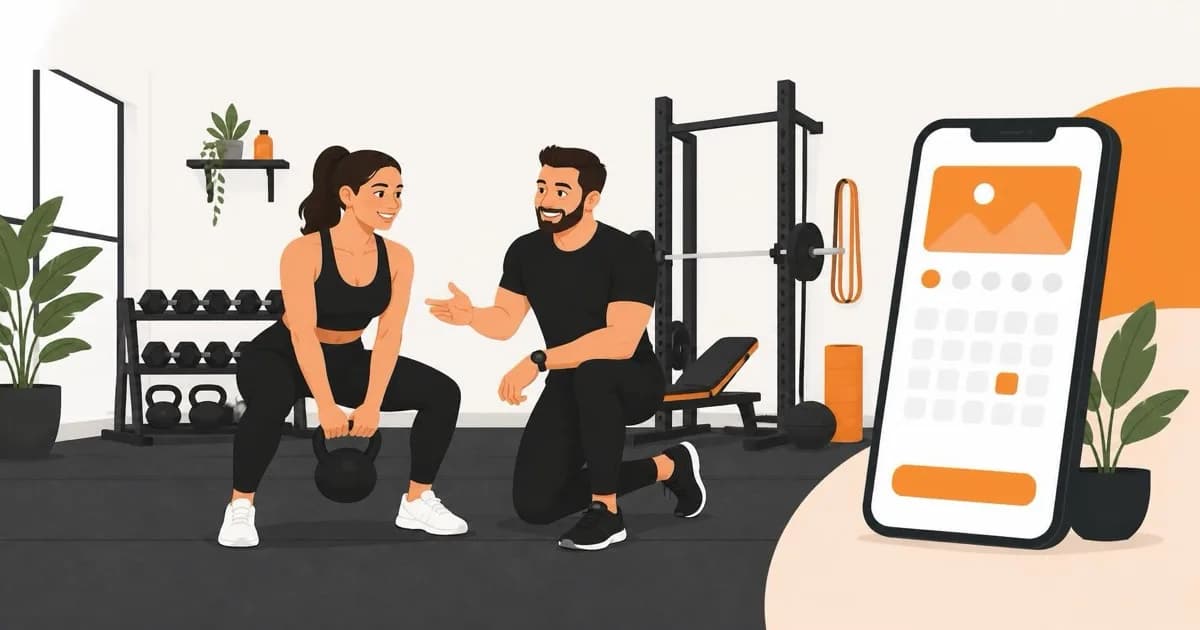
We have built websites for personal trainers and independent gyms who were running their whole sign-up funnel through an Instagram bio link, a Calendly page, and a WhatsApp number taped to the mirror. It works, until someone tries to book a free session at 9pm on their phone and gives up after the third tab.
What actually gets someone to book
Nobody researching a personal trainer or a local gym sits down at a desktop. They are scrolling between sets, on the bus, or lying in bed deciding whether tomorrow is the day. Your site has one job in that moment: let them see what you offer, what it costs, and book it, without opening a second app.
Show the timetable, not a PDF
We still see gym sites that link out to a PDF class schedule from three months ago. If a visitor has to download a file to find out if there is a 6am spin class on Tuesday, they will check a competitor instead. The timetable belongs on the page, live, filterable by day or class type, with booking one tap away.
Make pricing visible
Trainers worry that showing prices scares people off. In our experience it does the opposite for local, service-based businesses: hiding the price reads as expensive, and it filters out exactly the browsers who were never going to book anyway. Show membership tiers and session packages plainly, then use the page to justify the number.
50%
of new gym members who cancel do so within their first 90 days
Source: Fitness Industry Association, 2025 Retention Report
That statistic matters for how you write the site, not just how you sell it. The website's job does not end at the sign-up button. Pages that explain what the first month looks like, what support a member gets, and how progress is tracked reduce the early drop-off that kills most memberships before they are profitable.
Template builder or a built site: what actually changes
| Template builder (Wix/Squarespace + booking app) | Site we build | |
|---|---|---|
| Booking | Third-party widget bolted on, often a separate login | Booking built into the site, one flow, your branding throughout |
| Monthly cost | Builder fee plus a separate booking app subscription | One hosting cost, no per-booking or per-member fees |
| Mobile speed | Widget scripts often slow first load on 4G | Built and tested mobile-first for gym-floor connections |
| Membership tiers | Static pricing table, edited by hand each time | Editable pricing and packages you update yourself |
| Ownership | Locked into the builder's ecosystem | You own the code, the domain, the data |
The template route is not wrong for a trainer just starting out with two clients. It becomes the wrong tool once you are running classes, taking recurring payments, and losing members to a booking flow that feels bolted on. That is the point where a purpose-built site earns its cost back within a couple of retained memberships.
Proof that is not just a testimonials carousel
A generic five-star carousel gets skimmed and ignored. What actually moves someone from browsing to booking is specific, checkable proof:
- Named clients with real transformation timelines, not stock "amazing results!" quotes
- Photos or short clips from the actual gym floor or training space, not stock fitness photography
- A specific number: sessions run, members retained past six months, classes per week
- Credentials and insurance shown plainly, not buried on an About page nobody clicks
What we build for personal trainers and gyms
Our web development work for fitness businesses covers the timetable and booking flow, membership and package pricing, a proof section built around your actual clients, and a site that loads fast on a phone with patchy gym wifi. We build it once, hand over ownership, and there is no booking-app subscription stacked on top.
If your current site is a link-in-bio page or a template you have not touched since you launched, the fix is usually smaller than people expect. It starts with the booking flow, because that is the one page every visitor eventually needs.
We stopped losing people at the DM stage once the timetable and prices were just on the site. That alone paid for the build in the first month.
Questions people also ask
Do I need a separate booking app if I get a website built?
No. We build the booking and class timetable directly into the site, so there is one flow and one login for members, not a separate app subscription layered on top.
Should a personal trainer show prices on their website?
Yes, for local service businesses this consistently converts better. Hidden pricing reads as expensive and filters out serious enquiries along with the browsers.
How long does a gym or personal trainer website take to build?
Most fitness business builds follow our standard turnaround, with timetable, membership pricing, and a client-proof section in scope from day one rather than added later.