Conversion · 5 min read
Live chat, WhatsApp or a form: which one gets more enquiries
Live chat, a WhatsApp button or a plain contact form: which brings a local business more enquiries? A straight comparison from sites we have built.
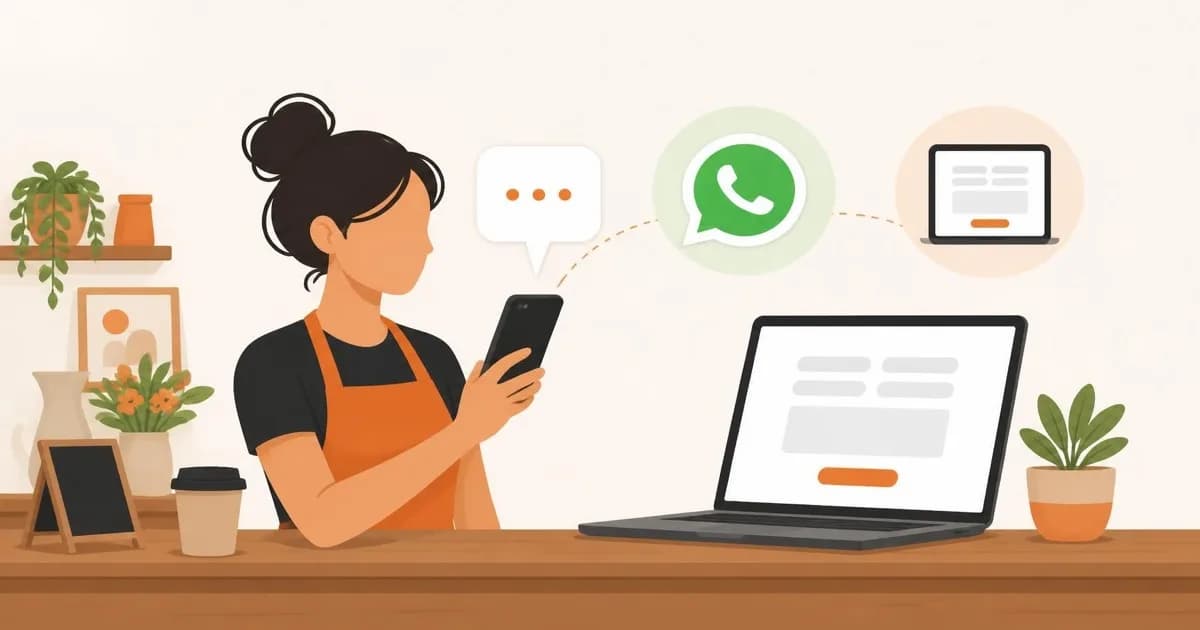
Every small business owner ends up asking the same thing: should we add live chat, a WhatsApp button, or just keep the contact form? The honest answer depends on who visits your site and what they want to ask. But it is not a coin toss. We have set up all three on client sites, and the pattern is consistent enough to give you a straight recommendation.
Short version: for most local service businesses, a WhatsApp button plus a short form beats live chat. Here is why, and where that rule breaks.
What each channel is actually good at
Each channel attracts a different kind of visitor, so comparing raw enquiry counts is misleading. A channel that produces more messages is not automatically producing more jobs.
| Channel | Best for | Main weakness | What it demands from you |
|---|---|---|---|
| Contact form | Considered, higher value enquiries that need detail | Feels slow, easy to abandon | A reply within a few hours |
| WhatsApp button | Quick questions from mobile visitors, trades and local services | Informal, unstructured, attracts casual questions | A reply within minutes, on your phone |
| Live chat widget | Sites with staff at a desk, online shops, software | Looks broken when nobody answers, adds page weight | Someone watching it, or a well-built bot |
The form still wins on quality
A form makes people commit. They type their postcode, describe the job and leave an email address. You get an enquiry you can quote from without a second round of questions.
The cost is friction, and every extra field costs you enquiries. We keep forms to a name, one way to reach the person and one open box. If your form is failing for technical reasons, fix that first. We covered the usual culprits in why your contact form might not be working.
WhatsApp wins on speed, especially on mobile
Most visits to local service sites happen on a phone. On a phone, one tap that opens an app the visitor already uses every day is easier than typing into fields on a small keyboard. For a plumber, a salon or a removals firm, it matches how customers already talk to businesses.
There are two catches.
- Speed is the promise. A WhatsApp message left unanswered for a day feels worse than a form left for a day, because the channel implies an instant reply.
- Messages arrive with no structure. You spend the first few replies collecting what a form would have captured for you: the address, the date, the size of the job.
Use the free WhatsApp Business app with a proper business number, so customers see a business profile and your personal number stays private.
Live chat wins only when someone is really there
A live chat widget that says "We're online" and then goes silent is worse than no widget. It sets an expectation and breaks it in the first minute.
Live chat makes sense when you have people at a desk most of the day, when visitors ask the same pre-sale questions repeatedly, or when you sell online and shoppers hesitate at checkout. It also loads a third-party script, which can cost you page speed. We explained why that matters in website speed and conversions.
If you cannot staff it, an automated assistant can cover the common questions, but only if it hands over to a human cleanly. We wrote about where that works and where it fails in AI chatbots on business websites.
What we put on client sites
- Trades, salons, removals firms and garages: a WhatsApp button and a short form, both visible on mobile without scrolling.
- Solicitors, accountants and clinics: a form as the main route, plus a phone number. In our experience, people with sensitive questions prefer something more private than a chat bubble.
- Online shops and software companies: live chat or an assistant during working hours, with a form as the fallback.
- Any small team: one real-time channel plus a form. Never three inboxes to watch.
How to test it on your own site
Do not guess. Measure. It costs almost nothing and it settles the argument in a few weeks.
- 1Add event tracking so WhatsApp taps, chat opens and form submissions are counted separately.
- 2Log every enquiry with its source in a simple spreadsheet, and mark whether it turned into paid work.
- 3Compare on paid jobs and on the time each channel costs you, not just message volume. A channel that doubles messages but halves the close rate has not helped.
- 4Remove the worst performer. Do not keep all three out of habit.
The bottom line
For most of the local service businesses we build for, start with a WhatsApp button and a short form. Add live chat only when you can staff it. If you want the enquiry path designed around your customers and measured properly, that is part of our UI/UX design work, and we are happy to look at what you have now.
Questions people also ask
Is WhatsApp better than a contact form for a small business?
For quick questions from mobile visitors, usually yes. For detailed quote requests, a form gives you more usable information up front. Most local businesses do best offering both.
Does live chat slow down my website?
Many chat widgets load third-party scripts that can slow a page, so test your speed before and after installing one. Loading the widget after the page is interactive reduces the impact.
Should I offer live chat, WhatsApp and a form all at once?
Usually not. Every extra option splits attention and multiplies the inboxes you have to watch. Pick one real-time channel plus a form.
Do I need a special account to put WhatsApp on my website?
We recommend the free WhatsApp Business app on a dedicated business number. It shows customers a business profile and keeps your personal number private.