
Custom apps · 5 min read
Client portals: giving customers a login without building a SaaS
Customers keep asking for a place to log in and check status, documents, or invoices. That is not a reason to build a SaaS platform. Here is how we scope a client portal that does the job without the twelve-month build.
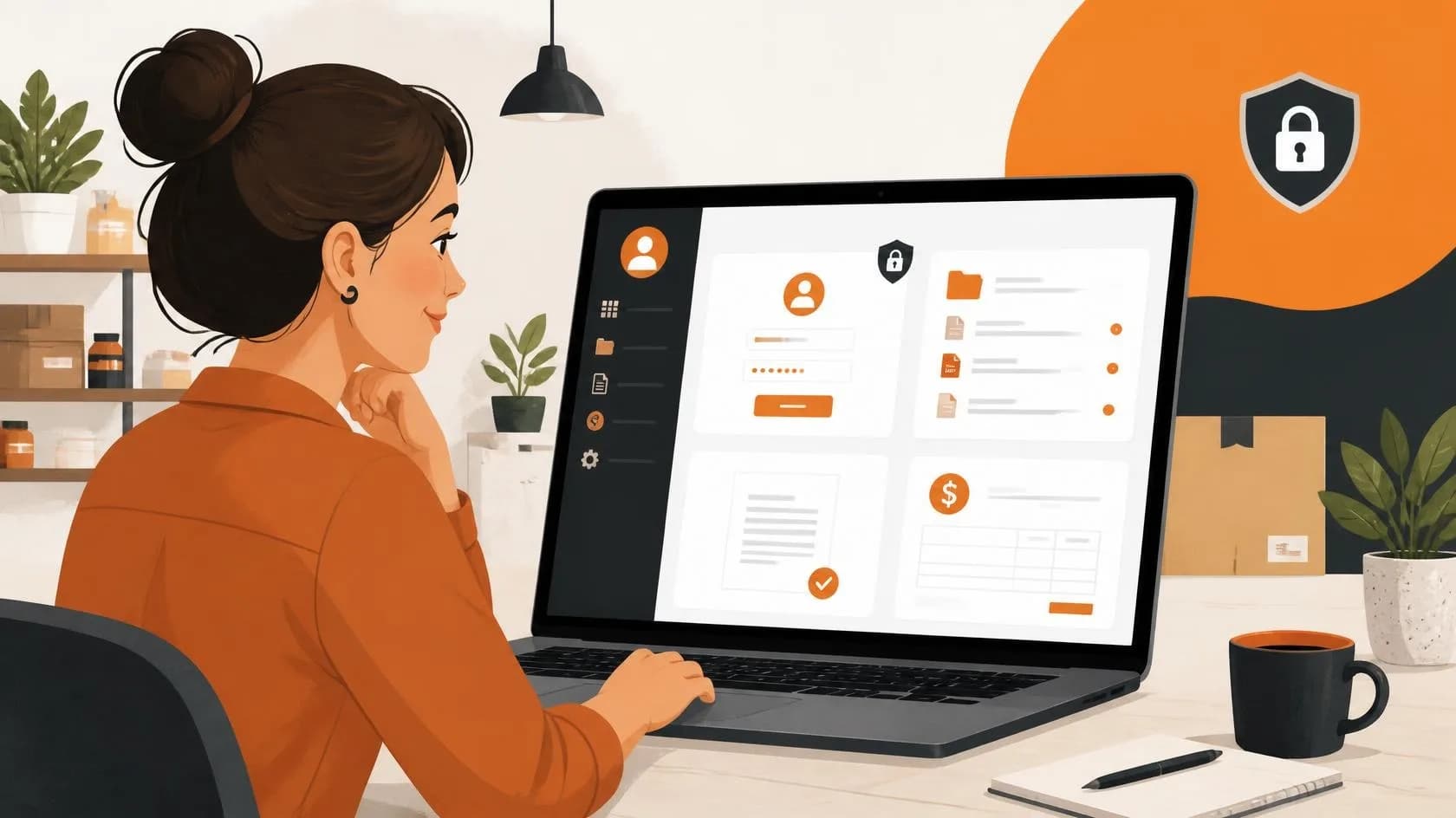
A client asks for "a portal where our customers can log in and see their stuff." Someone on their team has seen a SaaS dashboard somewhere and assumed that is the bar. It is not. Most of the time what they actually need is a secure, branded view into data that already lives in their systems, not a new product with its own roadmap.
We have built enough of these now to know the difference matters. Treat a client portal like a SaaS build and you get a six-figure quote, a twelve-month timeline, and a team scared to ask for it. Treat it like what it actually is, a focused extension of the site or system you already run, and it becomes a normal project.
What a client portal actually is
Strip away the marketing language and a client portal is three things: a login, a filtered view of data tied to that login, and a handful of actions the customer can take without calling you. Document downloads. Order or job status. Invoice history. A support ticket thread. That is the entire job for the overwhelming majority of requests we get.
A SaaS product is a different thing entirely: multi-tenant architecture built for strangers who sign up and pay you directly, self-service billing, a public marketing funnel, and a roadmap that runs for years because the product itself is the business. If your customers already have a relationship with you through quotes, contracts, or ongoing service, you do not need that. You need an authenticated window into your own data.
The questions that actually scope the build
Before we write a line of code we ask four questions, and the answers decide almost everything about cost and timeline:
- 1Where does the data already live? CRM, spreadsheet, custom database, accounting software.
- 2Who creates the login: you manually, or does the customer self-register?
- 3What can they see and do? Read-only is a different build from upload, approve, or pay.
- 4Does each customer see only their own data, or do some need access across a team or company?
The answer to question one is usually the biggest cost driver. If the data is already structured and sitting in a system with an API (most modern CRMs, accounting tools, and booking platforms have one), the portal is mostly plumbing and UI. If it is scattered across spreadsheets and someone's inbox, the real project is tidying the data model, and the login screen is the easy part.
What belongs in version one
| Feature | Belongs in v1 | Why |
|---|---|---|
| Secure login per customer | Yes | Non-negotiable, this is the entire point |
| Read-only status or document view | Yes | Covers most requests on its own |
| Invoice or payment history | Usually | High value, low build cost if data already exists |
| File upload from customer to you | Sometimes | Add if it replaces a real email/attachment workflow today |
| In-portal messaging or chat | Rarely | Email or SMS notification is usually enough, and far cheaper |
| Self-service account creation | Rarely | Most B2B portals are invite-only; skip the signup flow |
| Team/role management | Rarely | Only if customers genuinely have multiple staff needing different access |
Notice how short that "yes" list is. The requests that balloon in scope are almost always the "rarely" row items, added because they sound like standard SaaS features rather than because a customer asked for them. We push back on these in scoping calls more than anything else.
Authentication and data isolation, not the UI, is where the risk lives
The part that actually needs engineering discipline is making sure customer A never sees customer B's data. That means real row-level access control at the database or API layer, not a UI that just hides a menu item. We have audited portals from other builders where the only thing stopping a customer from viewing someone else's invoice was a sequential ID in the URL. That is not a portal, it is a data breach waiting for someone to change a number.
83%
of small businesses that commission a client portal ask for it after a support or admin team is manually answering 'what's the status of my order' by phone or email
Source: Based on our own project intake data across 40+ custom builds, 2024-2026
Build on what you have before reaching for something new
If your site already runs on modern web infrastructure, a portal is usually an authenticated section bolted onto the same stack, same hosting, same database, with a login wall and scoped queries. That is cheaper to build and cheaper to maintain than standing up a separate application with its own deployment pipeline and its own security surface to patch.
We only recommend a fully separate platform when the portal genuinely needs to scale independently of the main site, handle its own payment processing with PCI scope, or serve a customer base in the thousands with self-service signup. That is a SaaS problem, and it deserves SaaS budget. Most client portal requests are not that, and quoting them as if they were does the client a disservice.
What it costs and how long it takes
A scoped portal, read-only status and documents, five to eight screens, built on your existing stack, typically runs three to six weeks from kickoff to launch. Add upload workflows or payment history and you are closer to six to eight weeks. That is the honest range for the work described above. If a proposal quotes months of discovery before a single login screen exists, you are being sold a platform you did not ask for.
The fastest way to get an accurate number is to answer the four scoping questions above before the first call. Agencies, our own included, can move much faster when the data source and access rules are already decided rather than being discovered mid-project.
Questions people also ask
Do I need a separate app for a client portal, or can it live on my existing website?
In almost every case it can live on your existing site as a login-gated section. A separate application is only justified when the portal needs independent scaling, its own payment processing, or large-scale self-service signup.
How is a client portal different from a CRM?
A CRM is the internal tool your team uses to manage customer relationships. A client portal is the external-facing view you give customers into a slice of that same data. Most portals pull from a CRM or similar system rather than replacing it.
Can customers upload files through a portal?
Yes, and it is one of the more common additions beyond a basic read-only view. It is worth including if it replaces a real email-attachment workflow your team handles manually today, but skip it if no one has actually asked for it.
How long does a basic client portal take to build?
A scoped, read-only portal on an existing stack typically takes three to six weeks. Adding upload or payment features extends that to six to eight weeks in most cases.