Automation · 5 min read
Review requests on autopilot, without annoying customers
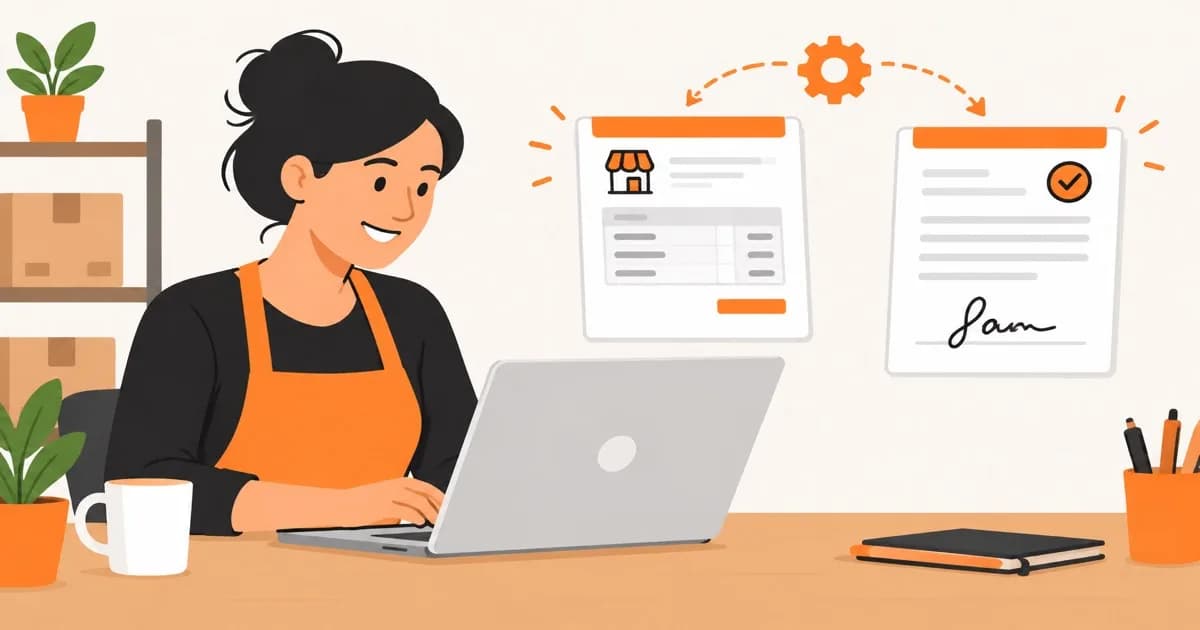
Automating review requests gets you more reviews, faster. Get the timing or the channel wrong and you train customers to ignore you. Here is how to build it so it actually works.

Every business with a Google Business Profile eventually asks the same question: how do we get more reviews. The honest answer is you already have the moment that produces them. You are just not catching it.
Why asking manually falls apart
Manual review requests fail for a boring reason: they depend on someone remembering to ask, at the right moment, for every customer, every day. A busy team skips it when things get hectic, which is exactly when a good review would do the most good. And asking in person feels awkward to a lot of staff, so it quietly stops happening even when management thinks it is standard practice.
The fix is not a better reminder. It is removing the step where a human has to remember.
The moment that actually produces reviews
Timing is most of the result. A request sent while the experience is still fresh, within a few hours of a completed job, a delivered order, or a finished appointment, gets a far higher response rate than one sent two days later once the customer has moved on mentally. The trigger has to be the event itself (job marked complete, invoice paid, booking finished), not a weekly batch job that reaches everyone on Friday regardless of when they actually used you.
Channel matters almost as much as timing. Send an email to someone who booked by text and it sits unread. Send an SMS to someone who only ever emails and it feels intrusive. The system should use whatever channel the customer already used to interact with you, not whichever one is easiest for the business to send.
| Channel | Best for | Watch out for |
|---|---|---|
| SMS | Trades and bookings where the customer already texts you | Needs explicit consent in most regions, and a working opt-out |
| Invoiced work, e-commerce, anything with a paper trail already | Easy to ignore if it looks like a marketing blast | |
| QR code / card | In-person service businesses (salons, garages, clinics) | Relies on someone handing it over consistently, which drifts without a process |
| In-app or portal prompt | Businesses with an existing booking or client portal | Only works if customers actually log back in |
Build it as a trigger, not a campaign
The simplest working version has three parts, and none of them require a dedicated review-management platform if your existing tools can fire a webhook.
- A trigger tied to a real event in your booking, invoicing, or job system, not a calendar
- A short delay tuned to the type of work (a couple of hours for a quick job, a day for something the customer needs time to use)
- A template that links straight to the specific platform you want reviews on, pre-filled where the platform allows it, so the customer is one tap from done
We build these on top of whatever system already runs the business, booking software, a CRM, an invoicing tool, connected through its API so the request fires off the same event that already marks a job as finished. That is usually less work than it sounds. Most booking and invoicing tools already expose the event you need; the job is wiring it to a message, not building a platform from scratch.
The guardrails that keep it from backfiring
An automated system that asks everyone, every time, with no judgment, is how a reputation project turns into a problem. A few rules keep it safe.
- Filter on sentiment first. A short private check-in ('how did that go?') before the public review ask routes unhappy customers to you instead of to Google
- Never ask the same customer twice in a short window. Repeat customers should get a request on a sensible cadence, not every single visit
- Respect opt-outs permanently, and make sure that list is checked before every send, not just the first time
- Keep a human reading the responses. Automated does not mean unattended, and a pattern of complaints hiding behind a good average rating is worth catching early
83%
of consumers primarily read reviews on Google when researching a local business
Source: BrightLocal, Local Consumer Review Survey 2025
That number is why Google reviews specifically are worth the setup effort over a generic review widget. If you have not set up or claimed your Google Business Profile properly yet, that is the step to do before automating requests toward it.
Where this fits with everything else you have automated
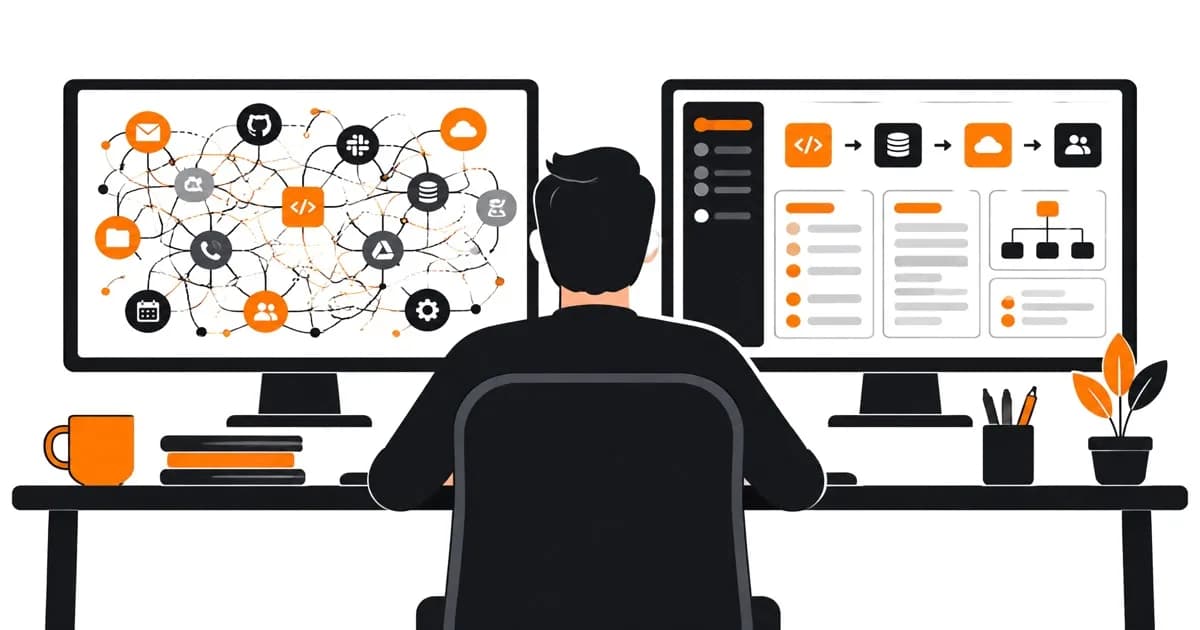
Review requests rarely sit alone. The same event that should trigger a review ask (job complete, invoice paid) is usually already triggering something else: a thank-you message, an invoice automation, or a sync into whatever system replaced the spreadsheet you used to run this on. Bolting a review request onto an event you have already wired up is cheap. Building a whole separate review-request process that does not talk to anything else is how businesses end up with five disconnected automations instead of one that actually reflects how the business runs.
If you already use something like Zapier to patch these tools together and it is starting to creak under the number of steps, that is a sign worth paying attention to before it breaks something customer-facing. We wrote about when that custom integration becomes the cheaper option.
Questions people also ask
Is it against Google's policy to automate review requests?
No. Google allows asking customers for reviews, including by automated means, as long as you do not offer incentives for leaving a review, do not gate the request only to customers you expect to leave positive feedback, and do not generate fake or incentivised reviews. Routing unhappy customers to a private channel first, rather than away from Google entirely, is generally fine; blocking them from leaving a public review is not.
How soon after a job should the review request go out?
For quick jobs (a repair, a haircut, a one-off service call), a couple of hours after completion works well, while the experience is still fresh. For anything the customer needs to actually use before they have an opinion, like a product delivery or a finished build, a delay of a day or two tends to convert better than an immediate ask.
Do we need a dedicated review-management tool to do this?
Not for most small businesses. A trigger from your existing booking, invoicing, or job-management system connected to an email or SMS template covers the core workflow. A dedicated platform starts to earn its cost once you are managing review requests and responses across several locations or several review sites at once.